Focus
Carbon monoxide awareness

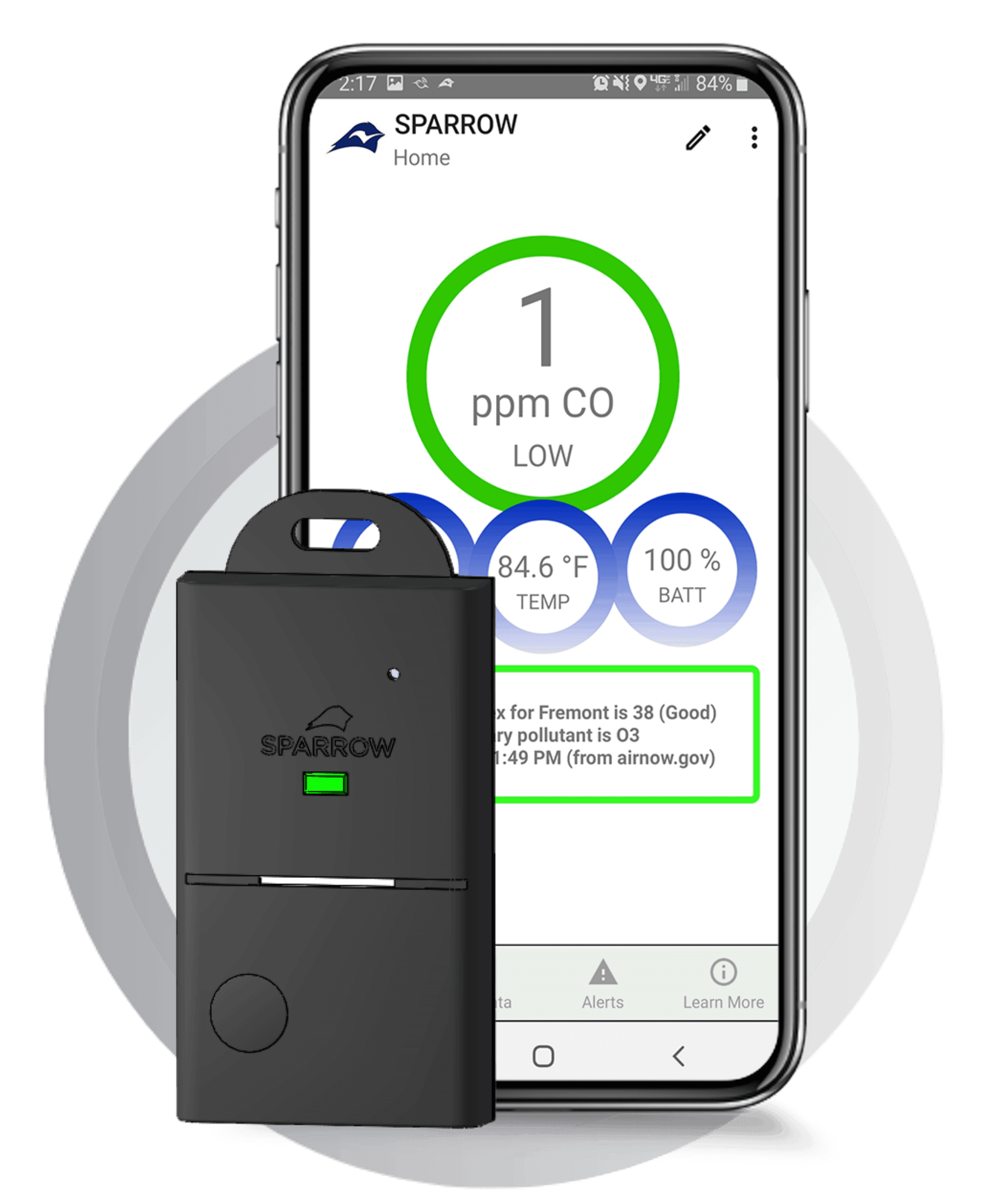
Interlink Technology Platform
Connected personal carbon monoxide monitoring that combines wearable hardware, mobile alerts, and street-level exposure visibility.
Focus
Carbon monoxide awareness
Platform
Mobile app connected monitoring

Connected personal CO monitoring platform added through Interlink Electronics' 2022 gas portfolio acquisition.
Resources
Access downloadable carbon monoxide quick-reference documents and product support links for Interlink's connected-monitoring workflow.
CO Quick Reference Chart
Download PDFCO Quick Reference Chart (Occupational Standards)
Download PDFCO Quick Reference Chart (AEGL Values)
Download PDFNeed additional documentation for enterprise or integration use cases? Contact the Interlink team.
FAQ
Quick answers for setup, data logging, alerts, troubleshooting, and carbon monoxide guidance.
Reading your Sparrow
Sparrow provides real-time measurements for temperature, humidity, and carbon monoxide measured in either ppm (parts per million) or mg/m3.
Carbon monoxide exists in some environments in small amounts. You may find 1-3 ppm as a typical reading for Sparrow. If your ppm level rises, there is something in your environment producing carbon monoxide.
Sparrow's main display updates every second, so you will continuously see updated readings for CO, temperature, and humidity.
Sparrow data for air quality analysis
Click the CO, Temp, and RH buttons to plot data on the graph. Use the time toggle to choose the period you want to view.
The Event feature lets you save data for a specific moment. Events entered on the Home page can be plotted on the My Data page.
The log rate can be customized under Settings from 1 second to 1 day. The default log rate is 10 seconds.
In standalone mode, Sparrow stores data for up to 1 week. After app connection, data can be transferred to the Sparrow app and shared by email. The app can store several months of data for analysis over time.
CO exposure with time-stamp and location
The Alerts page displays CO exposure data with time, address, and GPS coordinates. You can choose high CO events only or continuous CO readings logged every minute.
Yes. Set Alert Log Setting to 'CO Pollution Logging' to record data every minute, then select 'Map View' to see data points. Use two fingers to zoom in and out on the map.
Yes. Both the Alert Log and Data Log can be downloaded and shared through links on the My Sparrow page.
Connecting Sparrow and basic operation
Download the app at sparrowsense.com/app. The Sparrow app is available on Google Play and the App Store.
After downloading the app, press the button on the Sparrow device to connect. If you do not see your device name or your screen is black, swipe down on the screen to refresh.
Sparrow should not be placed directly near a heat source because this can cause inaccurate readings and may damage the sensor. If your Sparrow gets too hot, charge and power off the device for 24 hours, then restart.
Carbon monoxide basics and safety context
Carbon monoxide (CO) is a toxic gas you cannot smell, see, or taste. At high levels it is lethal, and prolonged exposure at low levels can have lasting negative health effects.
When inhaled, CO binds with hemoglobin and competes with oxygen in the bloodstream. This can reduce oxygen delivery and carbon monoxide can accumulate in the body over time.
Not always. CO alarm requirements vary by location, and even when alarms are present they may not protect against low-level CO exposure in all environments.